
-how to install-
1 Open the downloaded file, open the "Graphic Mods File" folder, and then copy all the files in it.
2 Come to the place where the game is installed. example: D:\Farming Simulator 22
3 When you come to the place where the game is installed, you will see the "x64" folder.
4 Open the x64 folder, paste the files you copied into the x64 folder.
5 That's it for the transaction. but reshade needs to be installed. Let me tell you how to set up reshade.
- How to install reshade?
1 https://reshade.me Download reshade from this link.
2 exe you downloaded. run the file.
3 Then find the game, press the "browse" button, go to the files where the game is installed, then open the "x64" folder. Select FarmingSimulator2022Game.exe.
4 then choose "Direct3D 10/11/12".
5 Press the "Uncheck all" button on the lower left side of the screen. Then press the "check all" button again. then press the "ok" button.
6 installation is in progress. When the installation is finished, press the edit reshade settings button.
7 Click on the preset at the top of the screen that appears. and select the "Graphic Mod.ini" file.
8 You can close it by clicking the ok button. installation is complete.
Go to Documents\My Games\FarmingSimulator2022. Edit your game.xml file. A little bit below there will be a place written <renderer>D3D_12</renderer>. Fix it to <renderer>D3D_11</renderer> and then enter the game. keep in mind this is more suitable for low end computers only. If your system is medium, try don't forget, the fps increases, but on some computers it may start to drop, if you observe a drop, pull back to dx12 instead of dx11.
changes:
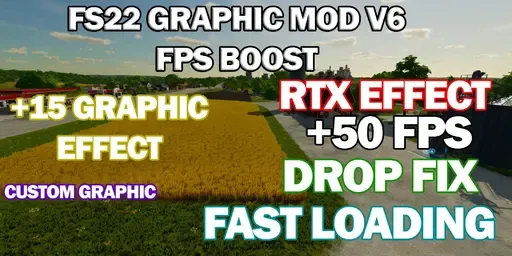
- +15 graphic effects added.
- improvements have been made to open the game quickly.
- custom graphic effect added. (you can change it as you like.)
- some adjustments have been made to the dx11 development.
- full screen improvement has been made.
Bilder
-
Version 1.0.0
-
FBM BOT -
9. Juli 2023 um 20:58 -
301 Downloads
-